MEPCO is one of the largest electricity distribution companies in Pakistan. It provides power supply across South Punjab, including Multan, Bahawalpur, Dera Ghazi Khan, and surrounding regions.To check your electricity bill online without any hassle, just click the below and proceed.
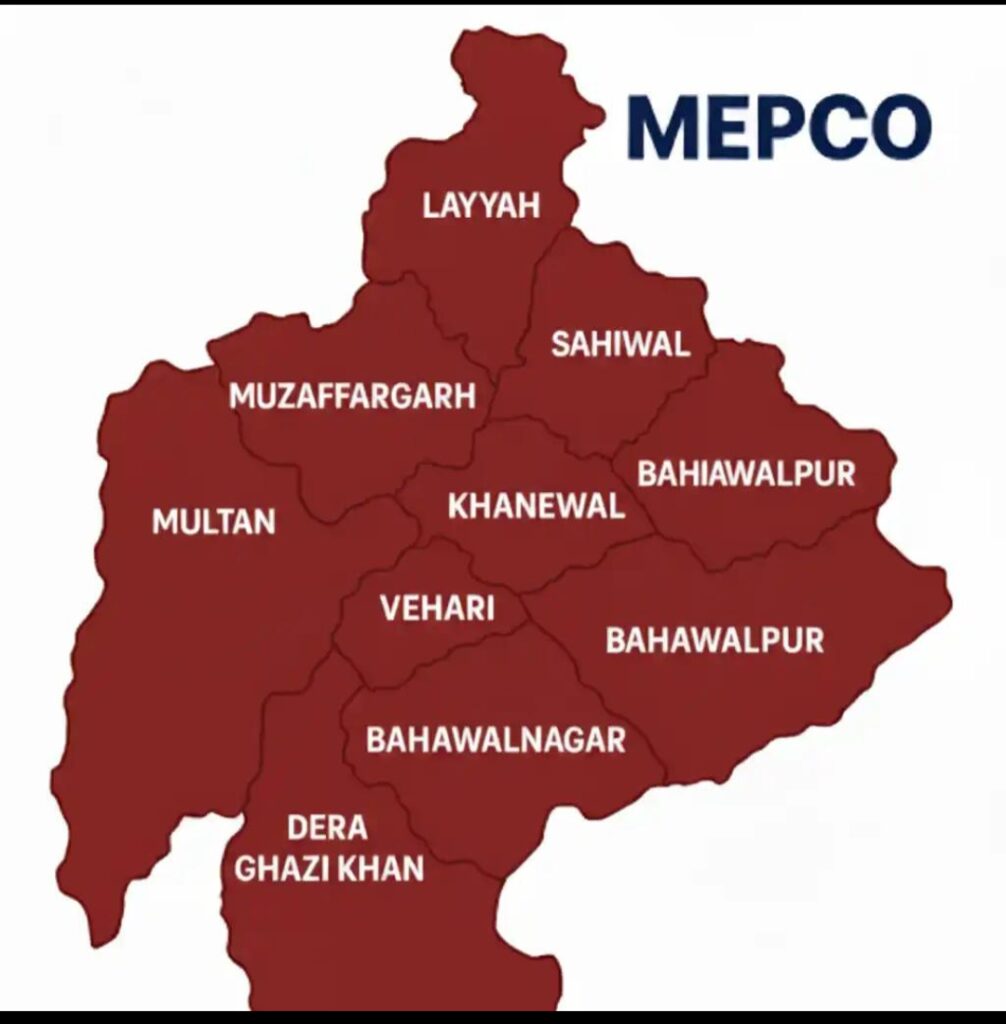
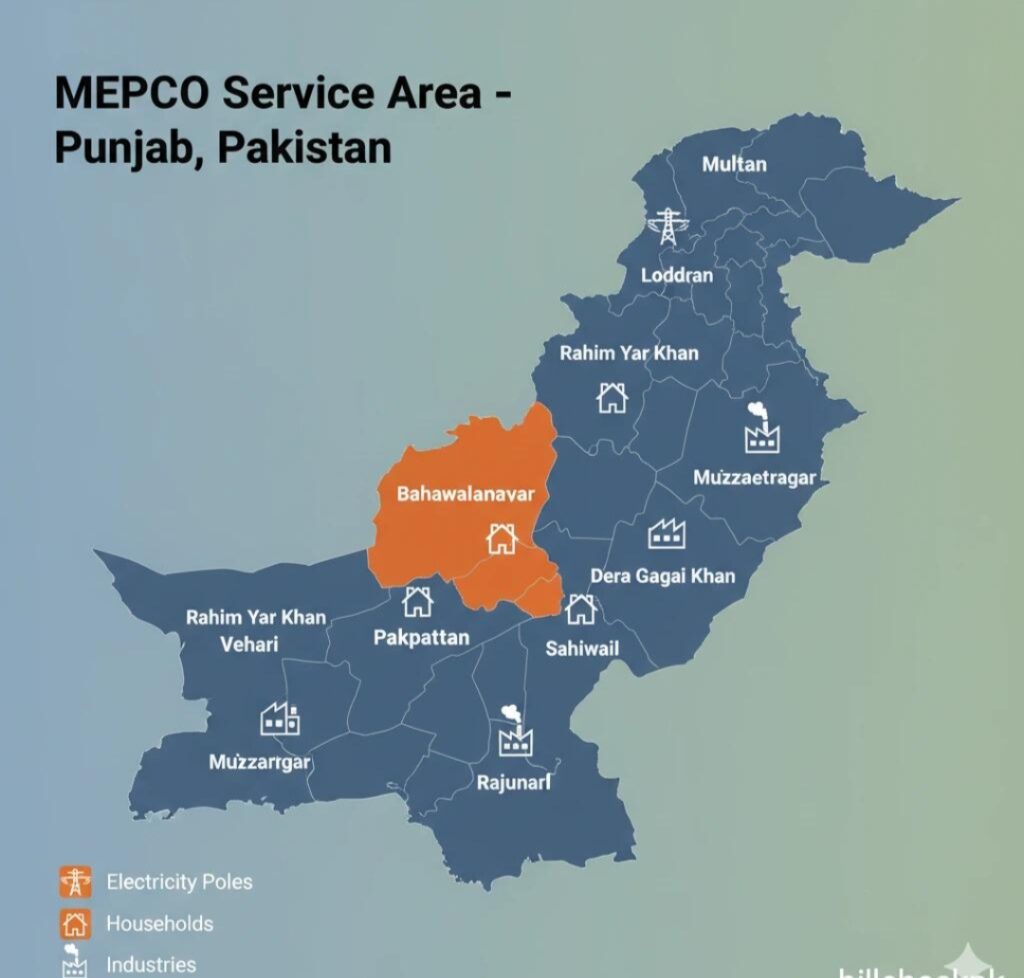
MEPCO Coverage Area – Electricity Supply Regions
MEPCO provides electricity distribution across a large part of South Punjab, Pakistan.
Its coverage area includes major cities such as Multan, Bahawalpur, Dera Ghazi Khan, Muzaffargarh, Rahim Yar Khan, Khanewal, Vehari, Lodhran, Sahiwal, and surrounding rural and urban regions.
MEPCO is responsible for supplying electricity to both residential and commercial users within these districts, ensuring continuous power distribution and maintenance services.
Customers living in these areas can easily check their bills, apply for new connections, and register complaints through MEPCO’s official services. If you want to calculate your electricity bill, you can also check it using our MEPCO Bill Calculator.
How to Check MEPCO Bill Online (Step-by-Step Guide)
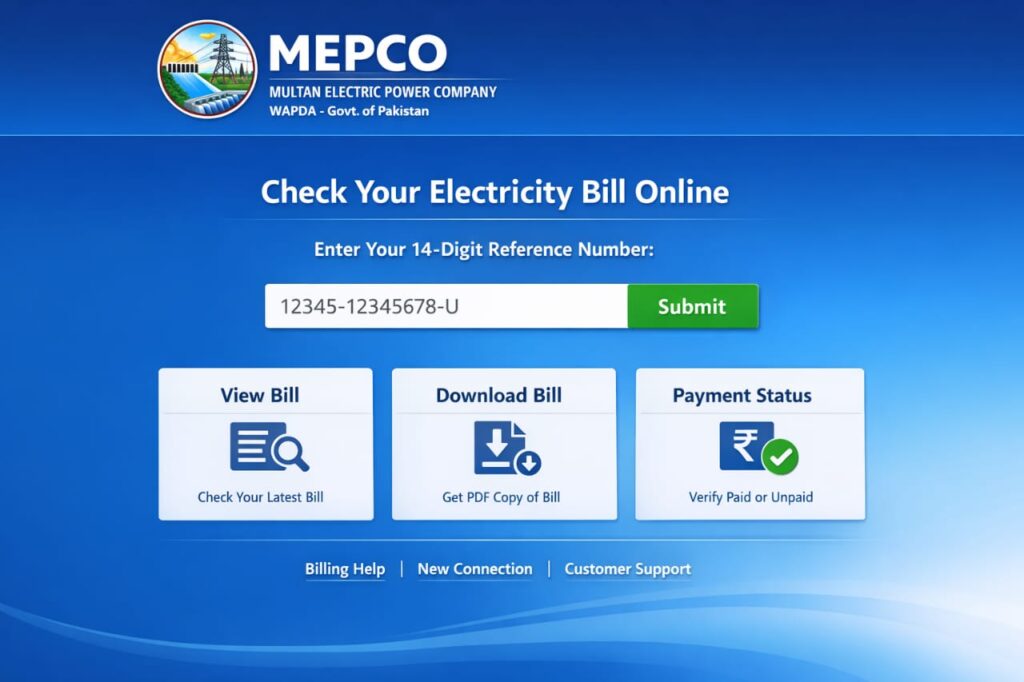
Checking your MEPCO bill is very simple:
Step 1: Open Official Bill Portal
Visit the official electricity bill website:
MEPCO Bill Check Portal (PITC System)
Step 2: Enter Reference Number
Find your 14-digit reference number on your old bill.
Step 3: Click Submit
After entering the number, click on “Submit” or “Check Bill”.
Step 4: View Your Bill
Your latest bill will appear instantly on the screen.
Step 5: Download or Print
You can download a PDF copy or print your bill for payment
MEPCO Bill Check Features
Instant online bill viewing
Duplicate bill download option
Monthly bill history tracking
Mobile-friendly interface
Free and easy access
No login required
Why Check MEPCO Bill Online?
Checking your bill online helps you:
Avoid late payment charges
Track monthly electricity usage
Get duplicate bill anytime
Save time and office visits
Manage household electricity budget
Common MEPCO Bill Issues
Many users face these problems:
Incorrect billing amount
Late bill delivery
Missing reference number
High electricity charges
Meter reading confusion
If you face any issue, contact MEPCO customer service.
How to Download MEPCO Duplicate Bill PDF
Go to MEPCO bill check page
Enter reference number
View your bill
Click on “Print Bill” option
Save as PDF from browser
Important Tips to Reduce Electricity Bill
Use energy-saving bulbs
Turn off unused appliances
Avoid peak hours usage
Service your electrical appliances regularly
Monitor monthly consumption
MEPCO Bill Check on Mobile
You can easily check your bill using:
Android mobile
iPhone
Tablet
Just open browser and enter your reference number.
MEPCO New Connection – Apply for Electricity Connection Easily
MEPCO offers a simple process for applying a new electricity connection for homes, shops, and businesses in South Punjab.
If you are building a new house or opening a shop, you can easily apply for a new electricity meter through MEPCO’s official system. Check your current fesco bill in seconds by clicking here
How to Apply for MEPCO New Connection
To get a new electricity connection, follow these steps:
Visit the nearest MEPCO office or subdivision
Fill out the new connection application form
Attach required documents (CNIC, property proof, etc.)
Submit the application
Wait for verification and meter installation
Required Documents
Applicant CNIC copy
Property ownership proof / rent agreement
Witness CNIC copies
Application form
Wiring contractor test report (if required)
MEPCO New Connection Online Option
You can also apply online through the official portal
Benefits of MEPCO New Connection
Legal electricity supply
Safe and reliable connection
Proper billing system
Easy online tracking
Government-approved service
How to Check MEPCO Bill Paid or Not
MEPCO customers can easily check whether their electricity bill is paid or not by using online methods.
To verify your bill payment status, open the official MEPCO bill portal and enter your 14-digit reference number. After submitting, you will be able to see your latest bill details along with payment status.
If your bill is paid, it will show “Paid” or “No Dues” status. If it is not paid, the outstanding amount and due date will appear on the screen.
You can also confirm payment through your bank receipt, mobile banking app, or Easypaisa/JazzCash transaction history.
This method is fast, simple, and helps you avoid late payment issues.if you want to check your LESCO Bill click here
MEPCO Bill After Due Date – Payment Policy
MEPCO customers are required to pay their electricity bill before the due date to avoid extra charges and penalties.
If the bill is paid after the due date, MEPCO adds a late payment surcharge (LPS) in the next bill. This amount is calculated based on the outstanding balance and payment delay.
After the due date, the bill can still be paid through banks, Easypaisa, JazzCash, and online payment methods. However, the customer may face additional charges.
In some cases, if the bill remains unpaid for a long period, the electricity connection may be temporarily disconnected as per company policy.
To avoid extra cost, customers are advised to always pay their bill on or before the due date.
MEPCO SMS Bill Check Service
MEPCO SMS service allows customers to quickly check their electricity bill without internet. If you want to view your bill details, simply send your 14-digit reference number to the official SMS service number 8119. After sending the message, you will receive your latest bill amount, due date, and complete billing information directly on your mobile phone.
This service is fast, easy, and especially helpful for users who do not have internet access.
MEPCO Official Contact Information
MEPCO customers can use the following official channels for complaints, billing issues, and support:
📞 Helpline: 118
📞 Toll Free Complaint Number: 0800-63726
📧 Official Email (Customer Support):
complaints@mepco.com.pk (commonly used official complaint email)
FAQs – MEPCO Bill Check Online
MEPCO
1. How can I check my MEPCO bill online?
You can check your bill by entering your 14-digit reference number on the official MEPCO bill portal.
2. What is required to check MEPCO bill?
You only need your 14-digit reference number which is printed on your electricity bill.
3. Is MEPCO online bill check free?
Yes, the MEPCO bill checking service is completely free for all users.
4. Can I download my MEPCO bill?
Yes, you can view, download, and print your bill in PDF format.
5. What should I do if my bill is not showing?
Check your reference number again or try later. If the issue continues, contact MEPCO helpline.
6. Can I check previous month bills?
Yes, in most cases you can view previous billing history through the same system.
7. What is MEPCO helpline number?
You can contact MEPCO support at 118 for billing issues and complaints.